Teaching moments worth keeping
Moving classrooms or schools: what to keep, hand over and leave behind
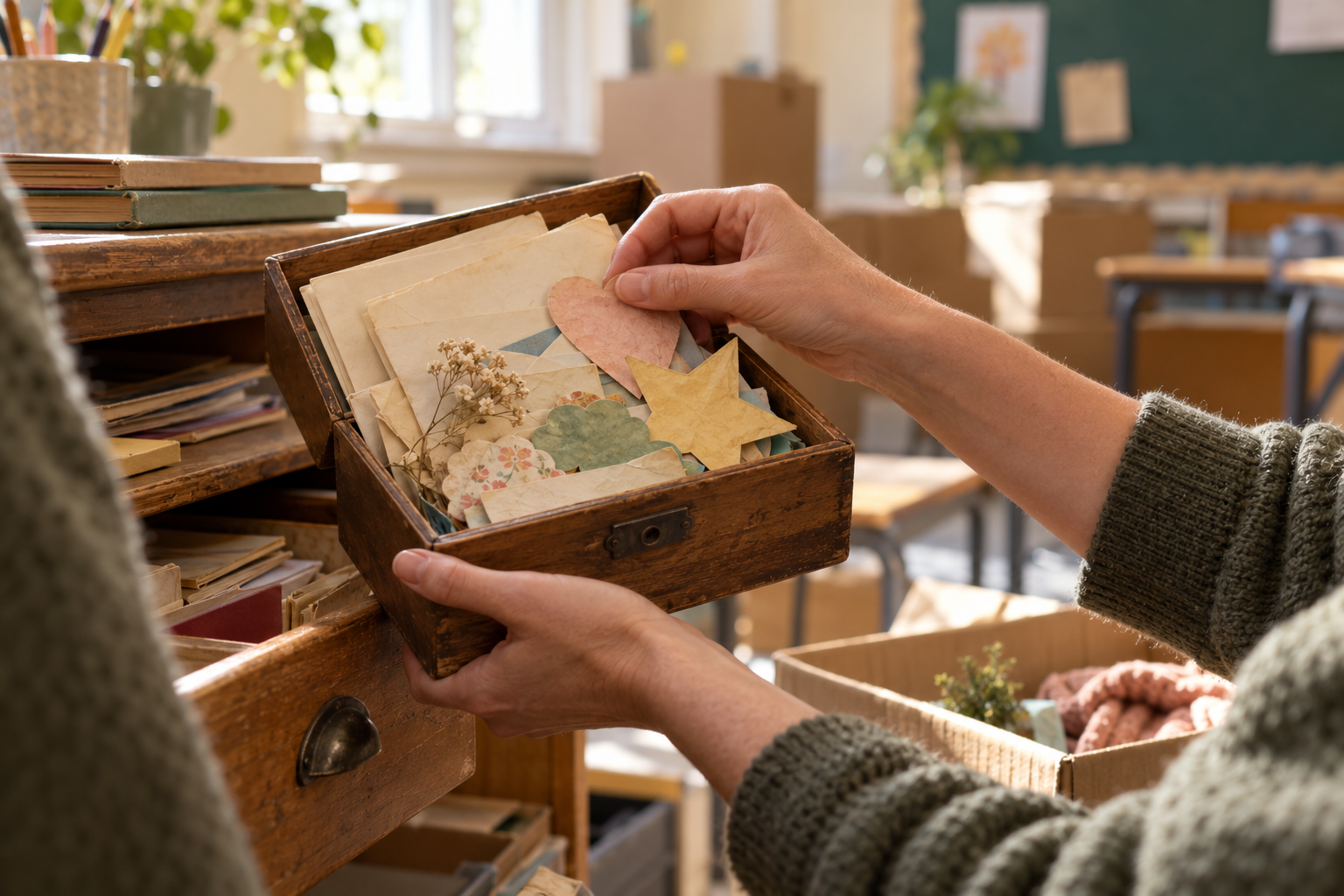
A classroom move can bring years of teaching back into view: a card tucked behind a book, a small keepsake in a drawer, the corner where a favourite lesson finally worked. Before those details disappear into boxes, choose a few you want to carry with you.
Before you pack a classroom, agree what stays with the room, who will receive your handover and, if you are leaving the school, when access to your accounts ends. Then separate personal belongings, school resources and records. Each needs a different destination.
This checklist is for teachers changing rooms or leaving a school. It is not a records-retention policy: your school’s instructions take priority. Its purpose is to help you leave useful things findable, take the belongings you are entitled to take and keep a few personal memories without carrying a classroom’s worth of material home.
First establish what kind of move this is
For a move within the same school, use the room and packing parts of this checklist; departure and account-closure checks may not apply. Ask which resources stay with the room and which follow the class, subject or role. Moving a tray can be straightforward; moving access to records, specialist equipment or shared cupboards may need someone else’s agreement.
If you are leaving the employer, ask when access to email, shared drives and school devices ends. Identify who will receive your handover and who can answer questions about ownership, copying and disposal. Get those answers before your last afternoon, when a missing login can turn a small task into a problem.
Start with the school’s existing leaving or room-move checklist. Add only what it misses rather than creating a second handover process.
Pack personal belongings; check everything else
Your own coat, lunchbox or personally purchased desk organiser may be easy decisions. Resources, books and equipment can be less obvious, especially after several years of sharing. Check with the department before taking anything whose ownership is uncertain, and return borrowed items to a named person or agreed place.
Work you created is not automatically yours to take or reuse. Employment terms, copyright and licences may affect teaching resources, including a slide deck you built yourself. UK and Jersey law both have employer-ownership provisions for work made in the course of employment, with qualifications. [1, 2] Ask what you may retain; do not treat this article as permission to copy a shared drive.
Where copying is permitted, inspect the actual file. Remove pupil work, names, comments, tracking data and hidden content as required, and check any third-party images or licensed worksheets. Keep the permitted copies together so you can distinguish them from material that must remain at school.
Pack for the destination, not just the journey
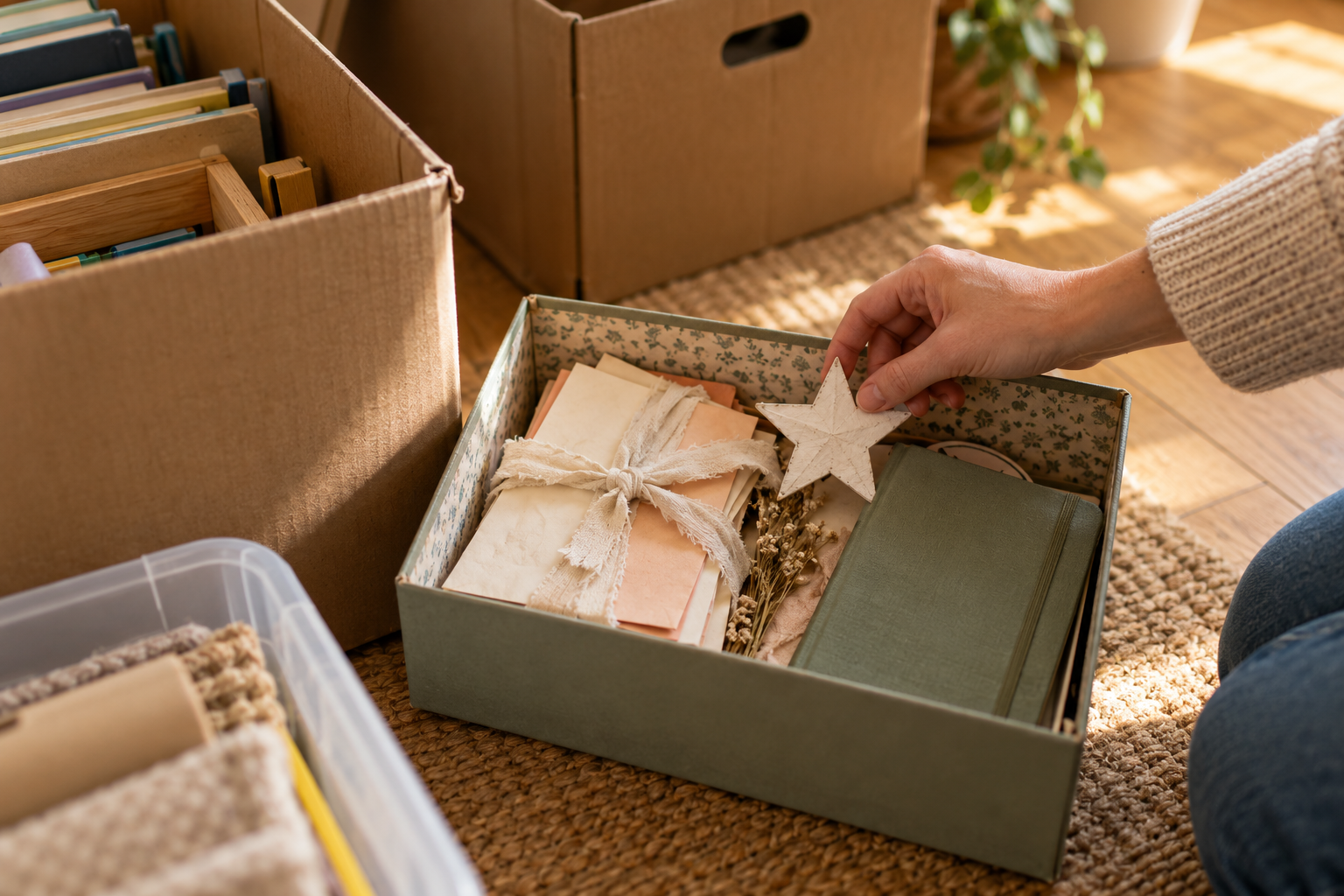
Label each box with its destination room or cupboard and broad contents, without pupil details. Put borrowed items aside for return instead of mixing them into the move. For a room move, keep an essentials box of permitted materials you will need for the first teaching day, so you do not have to unpack everything to find a whiteboard pen.
Use these three destinations as a quick guide:
- Personal belongings: take home or to your new room once ownership is clear.
- Shared teaching resources: leave, move or hand over as agreed with the department.
- School records: keep in the approved system and follow the named handover process.
Hand over the work someone will need next
A useful handover helps a colleague find the right material and understand what is outstanding. It does not need to narrate everything you have done.
Use the agreed school system to record the current location of shared resources, any borrowed or missing equipment, time-sensitive tasks and the person responsible for each next action. If there is already a departmental checklist, work in that rather than making a parallel private list.
Keep pupil-specific information in the approved records and safeguarding channels, shared only with the appropriate colleagues. Do not put a confidential handover into a personal memory app or send it to your own email so you can finish later.
For a room move, a labelled cupboard map or a short list of what has moved may be more useful than another set of boxes. For a school departure, confirm who will manage shared files and whether colleagues can still open them after your account closes. Share access through the school’s process, not by handing over your password.
Keep memories separately from school records
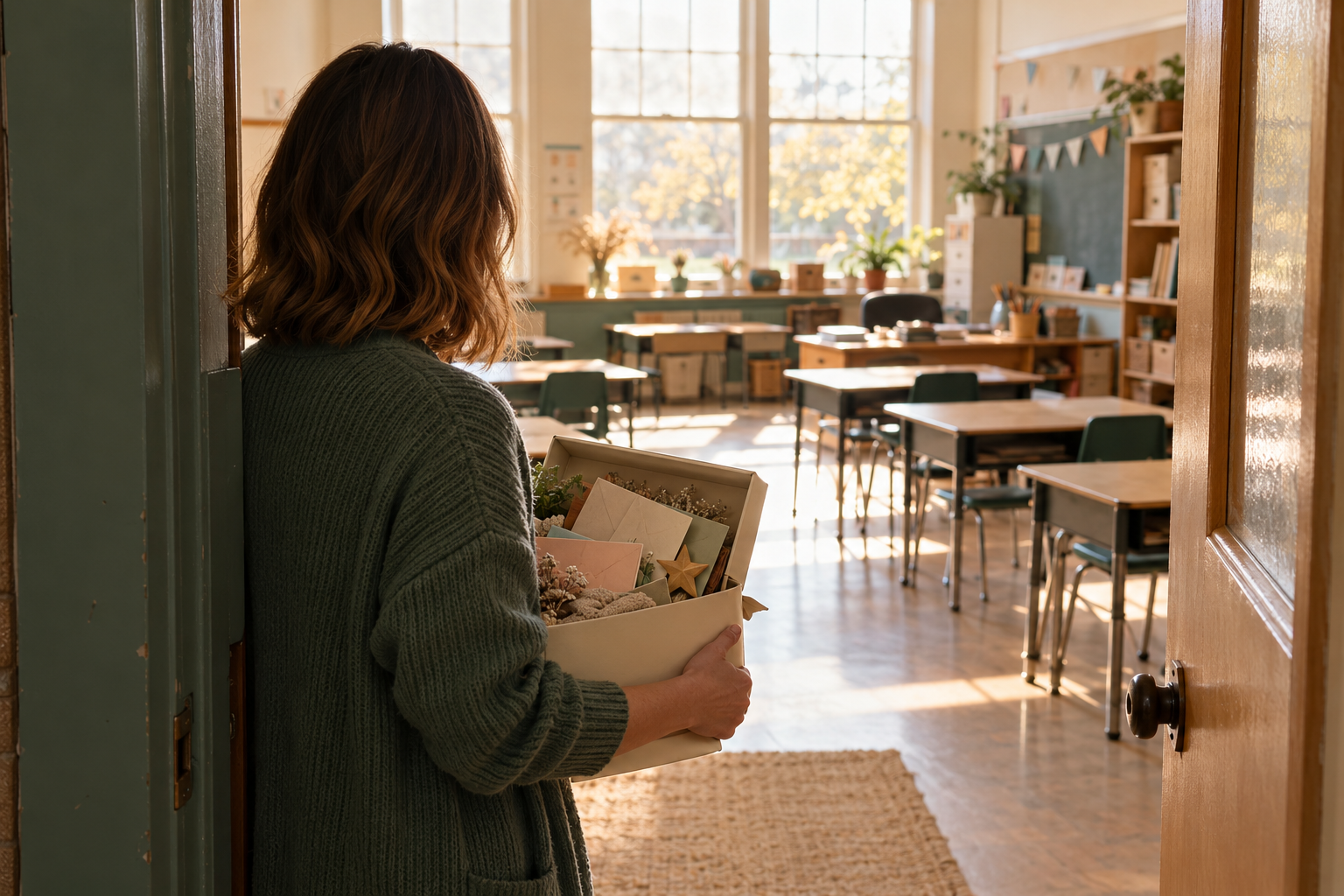
Choose a few things you actually want to revisit. A personal notebook, an allowed keepsake or a short account of what a particular room meant to you may be enough. You do not have to preserve every display or the contents of your planning cupboard.
If photographs are permitted, check the whole scene before taking one. Wall displays, desk labels, exercise books, screens and reflections can reveal pupil information. An empty room is not automatically free of identifying details. Do not photograph first and assume you can tidy the privacy problems later; personal phones may upload pictures automatically. [6]
Sometimes a few words are a better keepsake than a photograph. Describe the demonstration bench you rebuilt your lessons around or the awkward corner you finally made useful. Keep the focus on your experience without naming pupils or recording their personal circumstances.
For cards you already have permission to retain, our guide to keeping pupil thank-you cards compares practical storage options. You do not need to repeat that sorting exercise in the middle of a move. [3]
Check before disposing of school records
Ask before deleting school files, emptying email folders or throwing away records. Schools have retention and disposal arrangements; leaving a job does not itself make a record ready for destruction. [4, 5] Equally, do not take copies “just in case” when you have no permission or continuing reason to hold them.
Use the approved confidential-waste route where required. Return devices, keys, passes and borrowed equipment through the normal process, and confirm completion in the existing checklist. If something is unresolved, name it and pass it to the responsible person rather than quietly choosing a solution on their behalf.
A final walk-through
- Personal belongings collected and borrowed items returned.
- Boxes labelled with their destination; essentials accessible.
- School resources in their agreed places.
- Handover received by the responsible colleague.
- Shared-file access and responsibility confirmed.
- School records left or disposed of as instructed.
- Personal keepsakes checked for permission and privacy.
The useful end point is a room or collection that someone else can understand, plus a manageable set of belongings and memories for you. An unfinished question clearly handed over is better than a box whose contents nobody owns.
From Chalkmarks: Chalkmarks can hold a short personal account of a teaching moment you want to revisit after a move. It is not a handover or school-records system; leave out pupil names and identifying details and follow your school’s rules.
Sources
[1] UK Intellectual Property Office: Ownership of copyright works — Open source
[2] Jersey: Intellectual Property (Unregistered Rights) Law 2011, Articles 24 and 183 — Open source
[3] Chalkmarks: What to do with thank-you cards from pupils — Open source
[4] Department for Education (England): Record keeping and management — Open source
[5] Government of Jersey: Children, Young People, Education and Skills privacy and retention information — Open source
[6] Department for Education (England): Taking and using photos and videos — Open source